The demo password is Cheshire. For the soccer ball, left click when Mellow's foot swings down and the ball sits just below the KICK line. Against Clocky, defend through the three-hit pattern and attack during the recovery window.
Endacopia demo controls
Endacopia expects a keyboard and a mouse with separate left and right buttons. Use WASD to move Mellow. Move the mouse to point at objects or dialogue choices. Left click confirms an action. Right click changes the active interaction or defends during the Clocky fight.
A trackpad can work, but simultaneous movement and clicking is harder. If the soccer ball or Clocky feels inconsistent, use a mouse and run the demo in a desktop browser. The creator's itch.io page and Newgrounds page both describe keyboard plus mouse input.
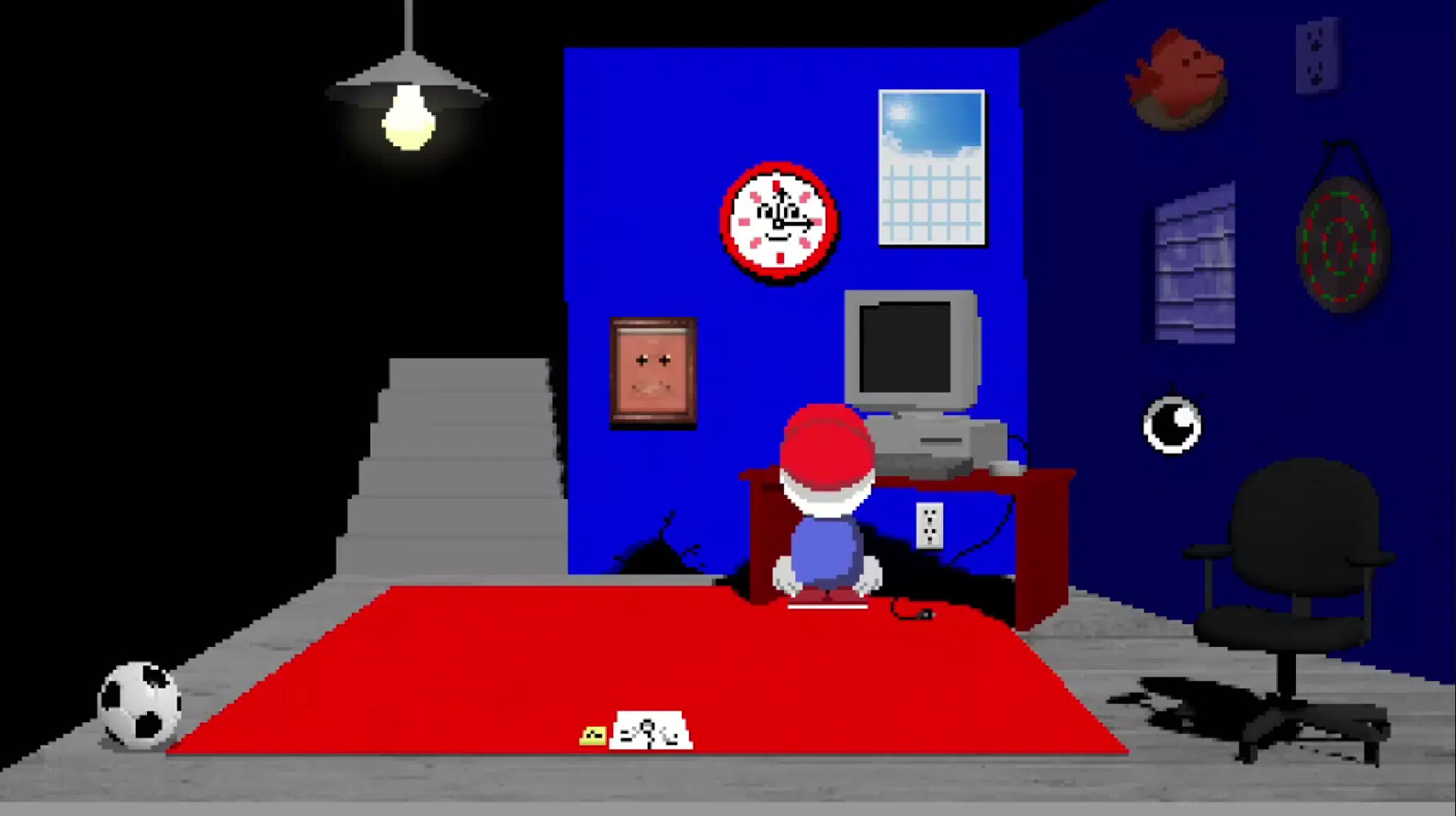
Spoiler-light route through the demo
- Explore Mellow's bedroom. Plug in the loose cable under the desk so the computer can turn on. The chair, wall drawing, soccer ball, and computer all have useful interactions.
- Use the bedroom route into the kitchen. Avoid the roaming threat, inspect the fridge, and recover the cheese.
- Return to the bedroom. Use the cheese to complete the small creature and coin sequence.
- Reveal the Wall Bank behind the drawing and give it the coins. It provides the password needed near the end of the demo.
- Use the computer and open Doors.exe. The new exit triggers the Clocky encounter.
- After Clocky, enter the hallway and use the second door to reach the bathroom sequence.
This route follows the classic 2022 demo spine, not the complete July 2026 game. The current Steam demo describes itself as an opening slice, and saves from it do not transfer into the paid release.
How to kick the soccer ball
Start the ball interaction in Mellow's bedroom, then watch the kick animation instead of chasing the ball with the pointer. Community answers on Steam and itch.io agree on the same timing cue: left click as Mellow's foot swings down, when the ball is just below the line labeled KICK.
- Place the pointer over the ball and keep it mostly still.
- Watch Mellow's foot, not the score.
- Left click as the foot swings down and the ball crosses below the KICK line.
- Keep the same rhythm. The visible cue becomes less important once the timing settles.
The first successful kick is the hardest because you do not have a rhythm yet. If clicks seem to miss, reduce browser zoom to 100 percent, use a mouse, and avoid moving the pointer between kicks. The soccer minigame is optional for finishing the demo.
What is the Endacopia demo password?
The normal route teaches the password rather than asking you to guess. Reveal the Wall Bank behind the bedroom drawing, finish the cheese and coin chain, then feed the coins to the bank.
Reveal the password
Enter Cheshire. Capitalization is not the important part, but use the standard spelling shown here. The password is requested during the bathroom sequence.
How to beat Clocky
Clocky is a rhythm check. Do not mash both buttons. The speedrun.com guide describes a three-hit sequence followed by an opening to strike. Treat defense as the default state and offense as the reward for surviving the pattern.
Reveal the Clocky combat pattern
- Hold right click to defend while Clocky performs the incoming sequence.
- Count three hits or watch for the end of the attack animation.
- Release defense and use left click during the recovery opening.
- Return to defense immediately and repeat.
The speed route completes six cycles. Your goal is clean timing, not rapid clicking. If the input feels delayed, wait for the current animation to finish before changing from defense to attack.
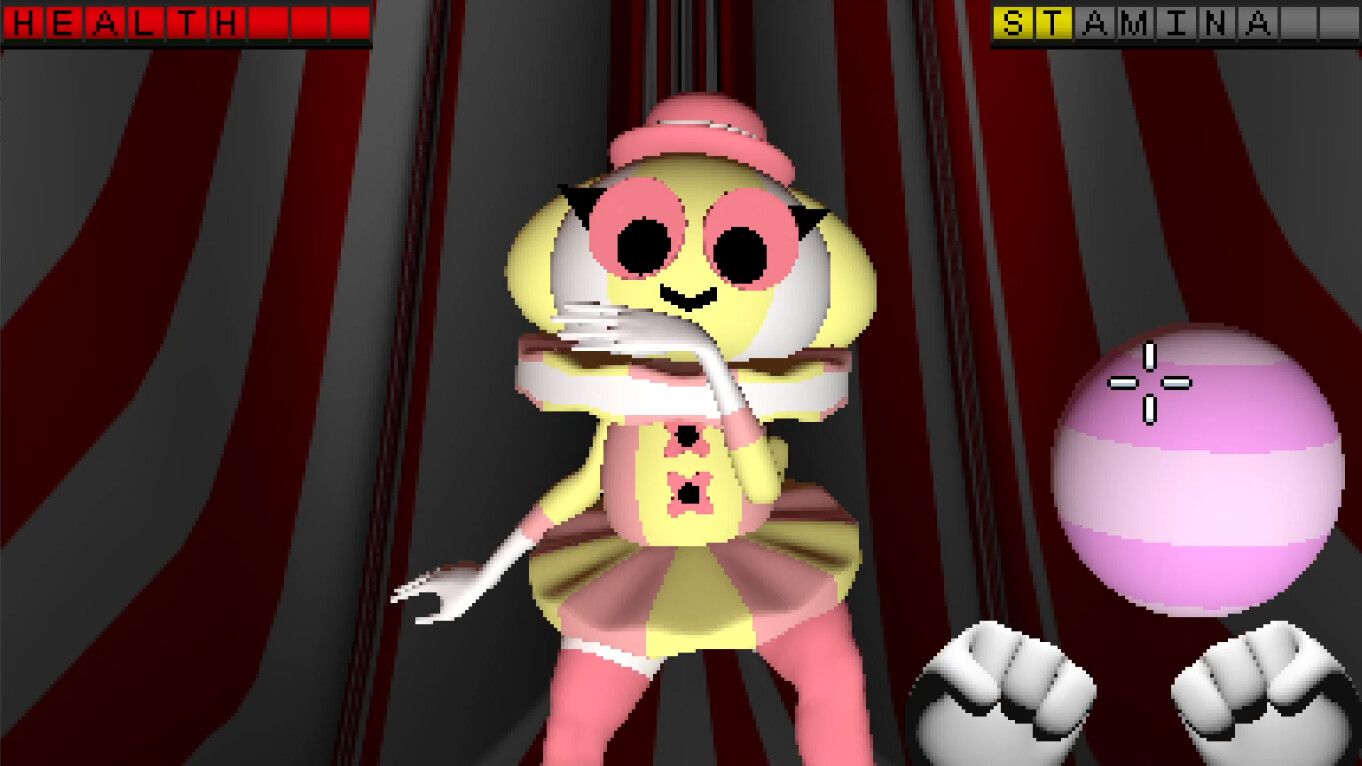
How to finish the bathroom sequence
Enter the hallway after Clocky and use the second door. Pick up the plunger before the interaction advances. The sequence gives you a short opportunity to use it on the toilet, so keep the inventory within easy reach.
Reveal the full bathroom route
- Pick up the plunger.
- During the cutscene, be ready to open the inventory.
- Select the plunger and use it on the toilet.
- Choose the top dialogue response as the conversation advances.
- When asked for the password, enter Cheshire and confirm.
The abrupt result is the intended end of the classic demo route. It is not a browser crash or a failed save.
Demo troubleshooting
The browser game does not start
Reload the official Newgrounds page in an up-to-date desktop browser. If it remains unavailable, install the current Steam demo. This site does not host the game binary.
Movement works but clicking does not
Click once inside the game area so it has keyboard focus, then try again. A two-button mouse is more reliable than a touch-only trackpad because the demo assigns different actions to left and right click.
Will demo progress transfer?
No. The official Steam demo page states that progress does not carry over to the full game. Treat the demo as a separate opening sample.
Guide sources
Core game facts and controls come from AndyLand's Steam, itch.io, and Newgrounds pages. Exact speed route timing comes from hamtv12's FullDemo guide on speedrun.com. Soccer timing also uses player reports from Steam Discussions and the creator's itch.io comments. Community advice is presented as player guidance, not as an official developer rule.