Play Endacopia online
Play the browser build in the frame below. A desktop browser, keyboard, and two-button mouse give the best experience.
The in-page player is supplied by KBH Games and loads the browser build from kdata1.com. Endacopia Guide does not host or proxy the game files.
Controls before you start
The demo combines keyboard movement with left and right mouse actions. A trackpad may make timing puzzles and combat harder.
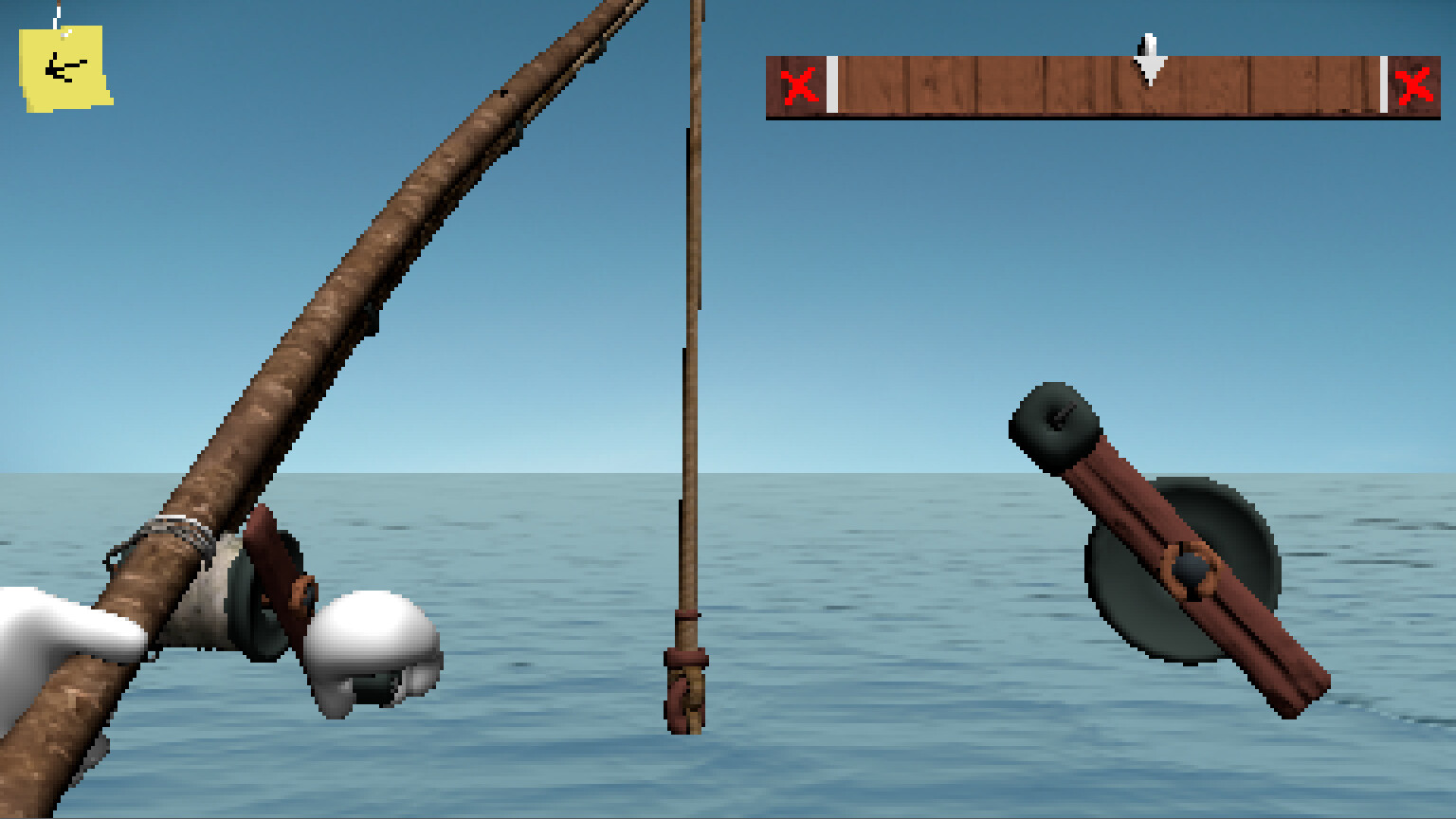
Reload once in an up-to-date desktop browser. If the embedded player is unavailable, use the Newgrounds or Steam links beneath it. This site does not host the game file.
Official ways to try the demo
The in-page player is delivered by KBH Games. For a creator-controlled release, AndyLand published the browser version on Newgrounds. Steam has a current free demo for Windows, while the original itch.io page provides downloadable Windows and macOS builds.
What is included?
Steam describes the demo as the opening portion of Endacopia. It takes roughly 20 to 40 minutes, with the total depending on exploration. The slice includes early areas, puzzles, characters, enemies, dialogue, inventory use, and combat. The full game contains more areas, systems, and story material, and demo progress does not transfer.
Need a hint?
Our demo guide begins with basic controls and spoiler-light nudges. Passwords, the Clocky fight, and the ending route stay behind expandable sections so you can reveal only the help you want.
Open the demo guide